
Geometry Post-Processing
Comprehensive post-processing capabilities for editing and augmenting existing geometry, reducing model complexity, and preparing CAD data for efficient analysis. The tools support automated defeaturing to remove non-essential details, identification and grouping of similar features to minimize user interaction, and the addition or modification of geometric elements, including appending compatible parts from existing models, to produce clean and analysis-ready geometry. Sample examples are shown below:
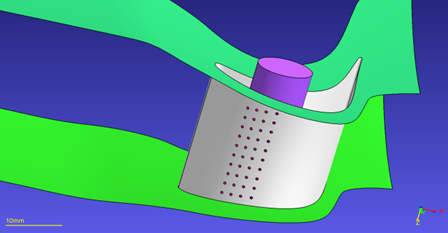
Cut holes
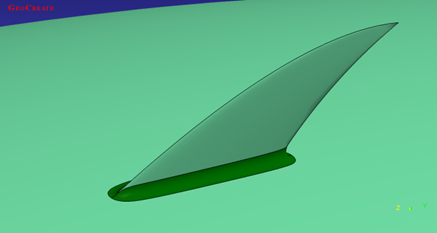
Add a fillet
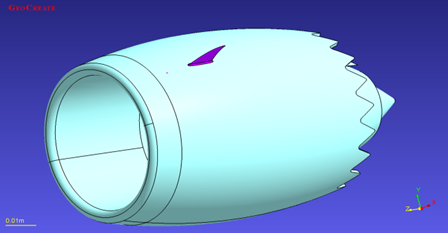
Create new piece (a fin) and append it to foreign geometry
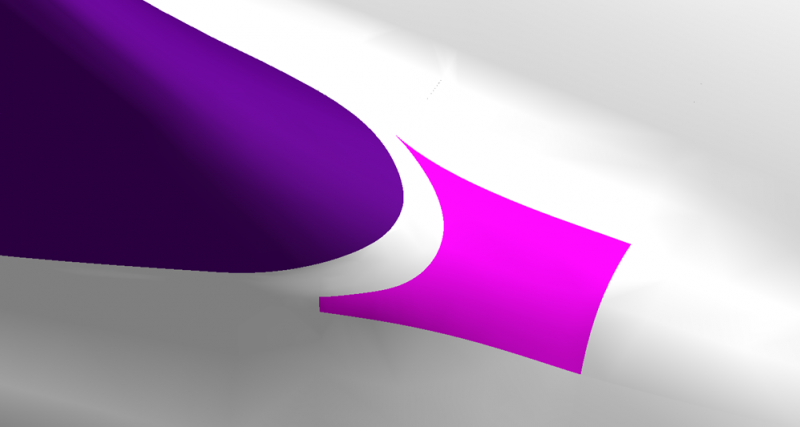
Fit a new surface (shown in pink color)
Reduce User Clicks
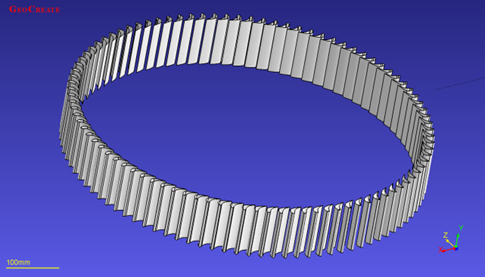
Auto identification of similar features (e.g. holes, pipes, blades)
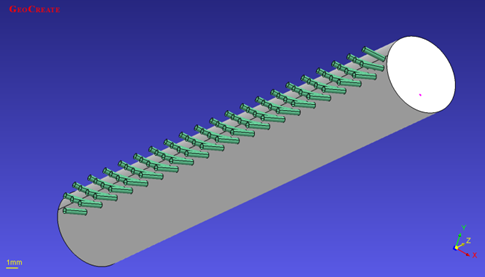
Auto grouping of similar entities
(cooling holes)
(cooling holes)
Defeaturing
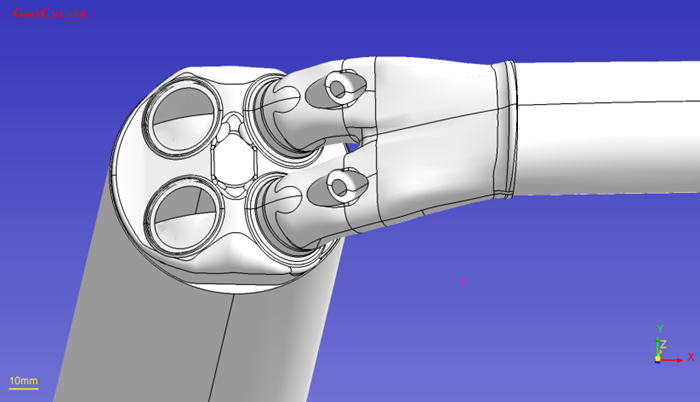
Detailed geometry
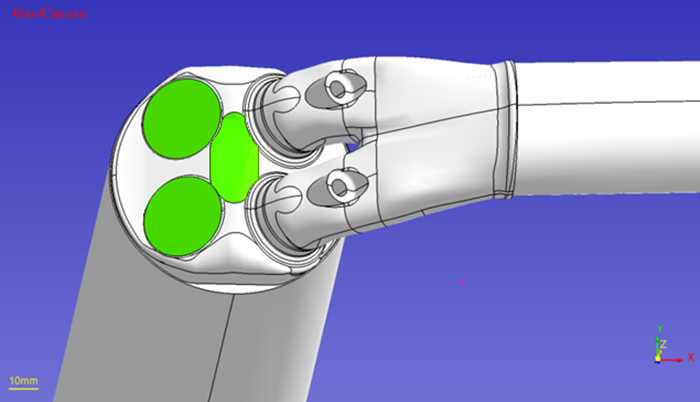
Complicated features removed
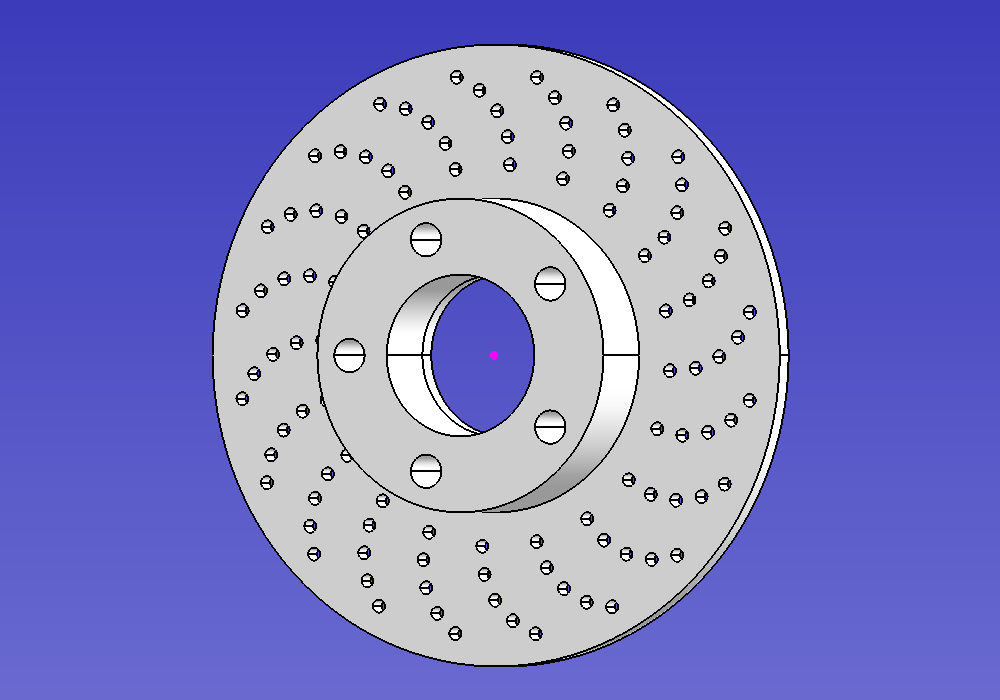
Disk brake with holes
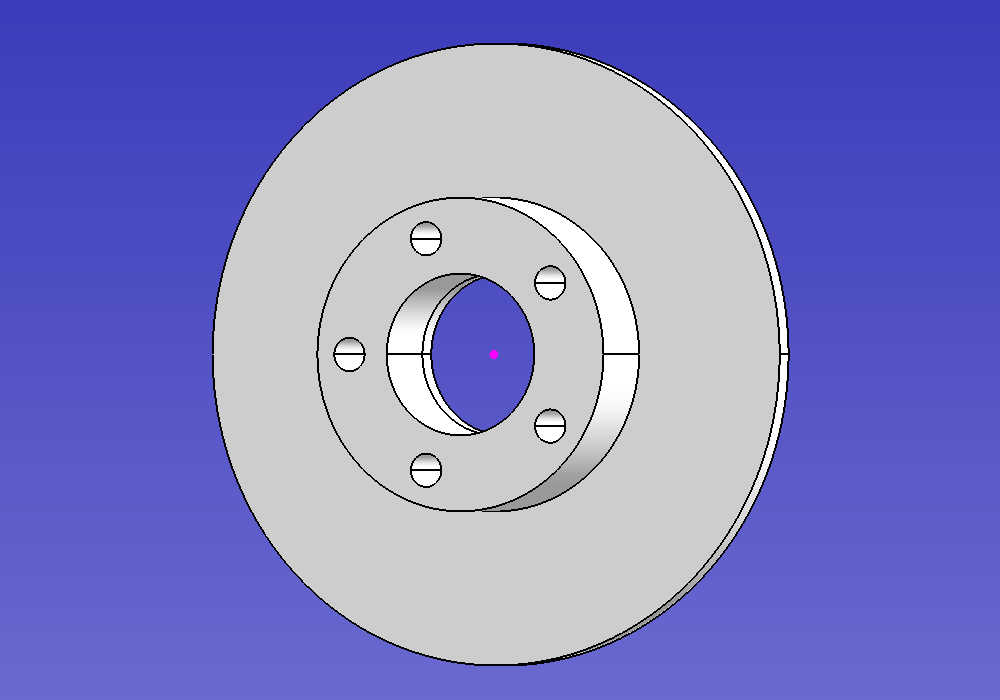
Simplified disk brake